
Overview
Less Annoying CRM is a browser-based customer relationship management system designed to keep contacts, companies, sales opportunities, and follow-up work in one shared place. Its scope is deliberately straightforward: a team can record relationship history, organize leads in pipelines, assign next actions, and review current work without adopting a broad enterprise suite.
That focus makes the platform relevant to small organizations that primarily need contact management and a consistent sales follow-up process. It is not presented as a comprehensive marketing automation or service-case environment. This overview therefore concentrates on how its core CRM workflow operates, what administrators must configure, and when its relatively simple model is likely to fit.
How Less Annoying CRM supports everyday sales follow-up
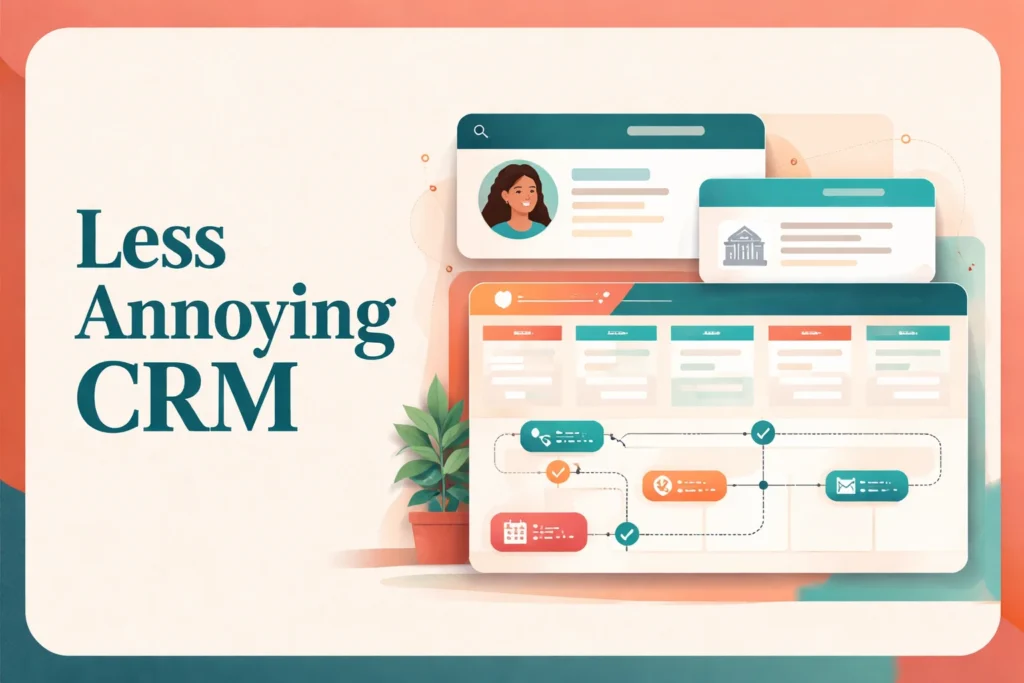
A typical workflow begins with a contact or company record. Users can add notes, files, email history, tasks, events, and custom information to that record, creating a shared account of the relationship. Company linking helps connect individual contacts to the organizations they represent, while groups and search provide additional ways to retrieve related records.
When a contact becomes a sales opportunity, the team can place that lead in a customizable pipeline. Pipeline stages show where the opportunity sits, while pipeline-specific fields hold information relevant to that process. This distinction matters because the contact record preserves the broader relationship history, whereas the pipeline record represents a particular sales process or opportunity.
Tasks, events, and follow-up reminders turn stored information into next actions. A representative can record the result of a conversation, schedule the next call, and use the daily agenda email to review upcoming tasks, events, and follow-ups. Shared calendars can improve visibility across a small team, and two-way synchronization with Google Calendar or Outlook Calendar reduces the need to maintain the same event in separate systems.
Managers can filter contacts, activities, tasks, and pipeline data, then export reports to a spreadsheet or PDF. These tools support operational questions such as which leads need attention or what activity remains incomplete. Forms can also create CRM records and trigger follow-up tasks, providing a defined handoff from a submitted inquiry to an assigned next step.
This workflow suits teams whose process can be expressed through records, stages, and human-owned follow-up. Organizations that depend on sophisticated lead routing, multi-step campaigns, or service-case operations should define those requirements separately rather than assuming a core sales CRM will cover them.
How much setup and ongoing administration does it require?
Initial setup starts with deciding what the team needs to record. An administrator can configure contact, company, calendar, and pipeline fields, then shape pipeline stages around the organization’s actual sales process. The software supplies the configuration tools, but the business remains responsible for defining useful stages, naming fields consistently, and deciding which information is required.
Existing contact data can be imported, but preparation matters. Columns need to map cleanly to CRM fields, and duplicates should be reviewed before migration. The documented importer creates new records rather than updating existing ones in bulk, so it should not be treated as a general mass-editing mechanism. Teams moving from another system should preserve a source export and test a representative subset before importing the full dataset.
User permissions can provide read-only, no-access, or full-edit access. Administrators should align those settings with job responsibilities rather than granting every user unrestricted access. Calendar and contact connections also need to be configured by the relevant users. Apple iCloud contacts require Google as an intermediate bridge because there is no direct iCloud contact integration.
Ongoing administration is less about maintaining infrastructure and more about maintaining data quality and team habits. Users must log interactions, close or advance pipeline items, and keep future tasks current. Administrators should periodically review unused custom fields, stalled opportunities, duplicate records, and permission assignments. Official help resources can support configuration, but they do not replace internal ownership of process rules and adoption.
When is Less Annoying CRM the right level of CRM?
The strongest fit is a small team with a recognizable but uncomplicated relationship or sales process. If users mainly need a shared record of contacts, a visible opportunity pipeline, scheduled next steps, and practical filtered reporting, the platform’s structure should be readily understandable. A team without a dedicated CRM administrator may also value a system that does not require designing a large collection of modules before everyday work can begin.
Sales-process complexity is the most useful decision criterion. One or several clearly defined pipelines can be accommodated through customizable stages and fields. Requirements become more demanding when leads must be routed through elaborate rules, records must trigger extensive branching automation, or multiple departments need separate marketing, sales, and service processes. Those needs should be documented and matched against confirmed functionality before adoption.
Reporting expectations deserve the same scrutiny. The platform supports filtering and exports across contacts, activities, tasks, and pipelines, which can answer many day-to-day management questions. A business requiring complex forecasting models, highly specialized dashboards, or enterprise analytics should first specify the calculations and views it considers essential. The relevant question is not whether the CRM has reports, but whether its documented reporting model supports the decisions managers need to make.
Team size alone is not decisive. A larger group with a simple process may still value a lightweight CRM, while a small company with complex routing, governance, or cross-departmental workflows may need a broader system. Custom-field requirements, permission boundaries, mobile working habits, integration dependencies, and the amount of administration the team can sustain all affect the decision.
Organizations that outgrow this operating model can compare a more sales-pipeline-focused system such as Pipedrive or a more configurable CRM such as Zoho CRM. The comparison should start with concrete workflow requirements, not the number of features advertised. Less Annoying CRM is most appropriate when clarity, consistent follow-up, and manageable administration matter more than building a deeply automated business platform.
Key features
Contact and company records
Organizes contacts and linked companies with notes, files, email history, activity logs, tasks, events, groups, custom fields, and search.
Customizable sales pipelines
Tracks leads through configurable pipeline stages and supports pipeline-specific fields for information tied to a particular sales process.
Tasks and follow-up reminders
Connects tasks and reminders to CRM work, with daily agenda emails summarizing tasks, events, and scheduled follow-ups.
Shared calendar management
Provides shared calendars, sub-calendars, event reminders, and two-way synchronization with Google Calendar and Outlook Calendar.
Filtered reporting and exports
Filters contacts, activities, tasks, and pipelines for operational reporting, with spreadsheet and PDF export options.
Custom fields and permissions
Supports custom fields for contacts, companies, calendars, and pipelines, plus read-only, no-access, and full-edit permission levels.
CRM record capture forms
Uses forms to create CRM records and trigger follow-up tasks, helping teams turn submitted information into assigned work.
Best use cases
Manage relationship histories
Keep notes, files, activities, events, and follow-up work connected to shared contact and company records.
Track straightforward sales opportunities
Move leads through customizable pipeline stages while preserving the next action and relevant opportunity details.
Coordinate team follow-up
Assign tasks, schedule events, set reminders, and use shared calendars to keep customer-facing work visible.
Capture and assign inquiries
Create records from forms and trigger follow-up tasks so submitted inquiries enter a defined sales workflow.
Pricing
Prices are displayed in USD, although regional applicability is not separately stated. The trial provides full access without requiring a credit card. Annual billing is referenced, but a verified annual amount was not available.
Less Annoying CRM
Pricing last verified 16 October 2026.
Important limitations
- Imports cannot bulk-update existing records. The documented importer creates new records instead of updating existing records in bulk, limiting its usefulness for mass data maintenance.
- No direct iCloud contact connection. Apple iCloud contacts require Google as an intermediate bridge rather than connecting directly to the CRM.
- No alternative feature tiers. The product uses one standard paid tier, so buyers cannot choose a lighter entry tier or a separate advanced tier with a different feature set.
Who Less Annoying CRM is best for
Less Annoying CRM suits small teams with straightforward sales or relationship-management processes and limited CRM administration capacity. It fits organizations that need configurable records, pipelines, permissions, and follow-up without a broad enterprise suite. Teams requiring intricate automation, cross-departmental marketing or service workflows, or highly specialized analytics should assess whether a more expansive platform is necessary.
Pros and cons
Advantages
- A single standard tier makes the core product and recurring per-user cost easy to understand.
- Contact records, pipelines, tasks, and calendars support a coherent everyday follow-up workflow.
- Custom fields and granular read-only, no-access, and full-edit permissions provide practical control for small teams.
- The trial offers full access for 30 days without requiring a credit card.
Tradeoffs
- The importer cannot update existing records in bulk, complicating some cleanup and migration tasks.
- Apple iCloud contacts need Google as a bridge because there is no direct connection.
- The single-tier structure provides no lower-cost lightweight tier or separately packaged advanced tier.
Works with
Is Less Annoying CRM the right choice?
Less Annoying CRM is a strong fit for small teams that want a shared customer record and disciplined sales follow-up without turning CRM administration into a separate job. Its operating model is easy to grasp: maintain relationship information, move active opportunities through pipelines, and attach a clear next action to ongoing work.
The principal trade-off is scope. The platform is best evaluated as a focused CRM rather than as the center of an elaborate marketing, service, analytics, or enterprise automation environment. Its import process also requires care because it cannot bulk-update existing records. Teams with straightforward processes should find the simplicity useful; organizations with complex routing, specialized reporting, or multiple departmental workflows should map those requirements before committing.
- Official website ↗
- Official pricing ↗
- Official features ↗
- Integrations directory ↗
- Documentation ↗
- Documentation ↗
- Documentation ↗
- Documentation ↗
- Documentation ↗
Official source research. Facts last verified 16 October 2026. Platforms change their pricing and features without notice, so confirm current details with the provider before purchasing.