
Overview
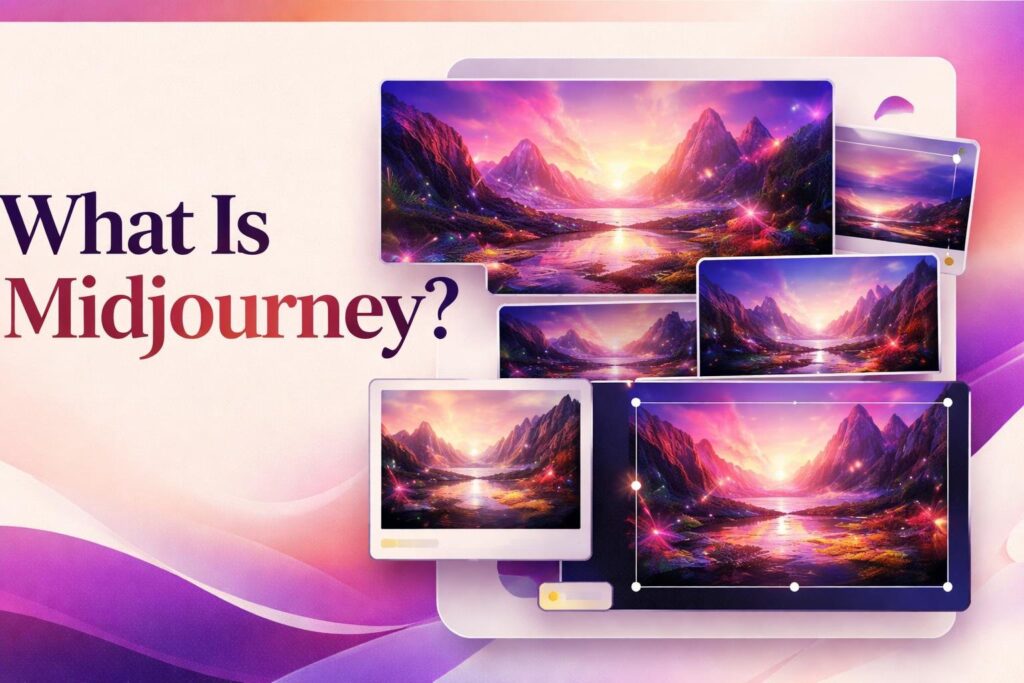
To answer “what is Midjourney” directly, it is an AI image-generation platform that turns written prompts and visual references into new images. Its main value lies in rapid visual exploration: a user can describe an idea, compare several generated interpretations, and progressively refine a preferred direction. This makes the Midjourney AI image generator useful for developing concepts, testing compositions, and producing imagery that can be evaluated or developed further.
Midjourney automates image synthesis, but it does not replace creative direction or final review. Prompts, references, parameters, and follow-up choices influence the result. Users still need to inspect each creation for visual errors, unsuitable details, consistency, brand fit, and compliance with the policies governing their project.
How Midjourney creates images from creative direction
A typical workflow begins on the Midjourney Create page. The user enters a text prompt describing the intended subject, setting, mood, composition, or visual treatment. Midjourney processes that direction and returns a set of four images, giving the user several interpretations rather than a single fixed answer. Those first results provide a basis for deciding which visual direction deserves further work.
Prompts can incorporate more than written instructions. Midjourney supports image prompts, style references, Edit Model references, aspect-ratio settings, and other parameters. These inputs serve different purposes. A text prompt communicates the idea in words, while a reference can help guide visual characteristics or supply material for an editing workflow. Users must have the necessary rights and permissions for any images or other content they upload.
After reviewing the initial set, the user can request variations, upscale a selected image, or use Remix to change prompt details during iteration. Pan and Zoom Out extend the composition beyond its existing frame. Vary Region and Erase support more localized changes, while the web Editor provides a broader workspace for modifying creations. These tools make the process conversational in structure even though the output is visual: generate, compare, revise, and repeat.
Finished creations can be retrieved and organized through the Midjourney website. Image generation is also available through Discord, including the official server and supported direct-message or private-server workflows. The available amount and mode of generation depend on the subscription plan. Video functionality also exists, but this page focuses on the core image-making workflow.
Creative control, iteration, and output quality
Midjourney offers several layers of direction, but its controls guide generation rather than guaranteeing an exact result. Descriptive language can shape the subject and atmosphere, parameters can affect properties such as aspect ratio, and reference inputs can influence an image’s visual direction. Personalization profiles and moodboards provide another way to adapt generations around recurring preferences.
Control becomes more precise through iteration. Variations are useful when an overall concept works but the user wants alternative interpretations. Remix can revise the underlying instructions, while regional editing helps concentrate changes on a selected part of an image. Upscaling, panning, and zooming address presentation and framing after a promising result has emerged. The practical trade-off is that reaching a suitable image may require several generations and deliberate comparison rather than one perfectly specified request.
Users should inspect outputs at both thumbnail and full-image scale. A composition that appears convincing at first glance may contain malformed details, inconsistent objects, unwanted text-like marks, or elements that conflict with the brief. Midjourney’s terms do not guarantee output quality, stability, uptime, or reliability, so generated images should be treated as candidates for review rather than automatically approved final assets.
Consistency also requires active direction. Reusing references, parameters, personalization settings, and a documented prompt structure can help maintain a coherent process, but users should still compare results against the intended visual system. For professional work, a clear acceptance checklist can keep aesthetic appeal from overshadowing factual, technical, or brand-specific requirements.
What users remain responsible for
Midjourney can accelerate image creation, variation, and selective editing. It does not determine whether an image is appropriate for a particular publication, campaign, client, or regulated context. The user remains responsible for checking the depicted subject matter, visual accuracy, unwanted artifacts, sensitive content, and any claims an image may imply.
Rights and permissions require separate attention. Midjourney’s terms govern use of the service and resulting assets, but they do not remove the user’s obligation to have permission for uploaded prompts, reference images, or other content. Before using generated work commercially or publicly, organizations should assess the current terms alongside their contracts, local requirements, and any third-party rights that may apply. That assessment is a project responsibility rather than a conclusion the generator can make.
Privacy expectations should be established before generation begins. Creations are public and remixable by default. Stealth Mode is available only on Pro and Mega plans, and using it does not make creations posted in public Discord channels private. Teams working with confidential concepts should therefore choose their workspace and inputs carefully instead of assuming that every generation is private.
Users may also need to follow disclosure, attribution, platform, employer, or client rules for AI-generated imagery. These obligations vary by context, so the safest operational approach is to document how an asset was produced and who approved it. Once a final image is selected, the user should retrieve it, store the approved file in the organization’s asset system, preserve relevant prompt or permission records, and manage any later editing or export workflow outside Midjourney as required.
Key features
Prompt-based image generation
Converts a text prompt into a set of four images that users can compare and develop.
Image and style references
Accepts image prompts, style references, and Edit Model references to guide visual creation and modification.
Prompt parameters
Supports aspect-ratio settings and other parameters for directing the format and behavior of a generation.
Variation and Remix tools
Creates alternatives from a selected result and lets users revise prompt details while iterating.
Web editing controls
Provides upscaling, Pan, Zoom Out, Vary Region, Erase, and a web Editor for refining creations.
Personalized generation
Uses moodboards and personalization profiles to guide generations around recurring visual preferences.
Creation library and retrieval
Lets users retrieve and organize generated work through the Midjourney website.
Best use cases
Visual concept exploration
Generate and compare multiple interpretations of an early creative idea before choosing a direction.
Marketing image ideation
Develop visual candidates for campaign planning, mood exploration, or creative briefs, subject to human approval.
Illustration development
Iterate on subjects, compositions, styles, and framing with prompts, references, variations, and regional edits.
Moodboard and style exploration
Use references, moodboards, and personalization profiles to investigate a coherent visual direction.
Pricing
Official US pricing is in USD. Subscriptions renew automatically unless canceled. Annual plans are paid upfront and receive a 20% discount. Extra Fast GPU time is listed at $4 per hour. Cancellation generally prevents the next renewal but does not refund the current subscription period.
Basic
Standard
Pro
Mega
Pricing last verified 28 October 2026.
Important limitations
- Generation depends on plan allowances. Plans include different Fast GPU allowances, while Relax Mode, Stealth Mode, and some video usage are restricted by plan.
- Creations are public by default. Generated creations are public and remixable by default. Stealth Mode is limited to Pro and Mega and does not privatize work posted in public Discord channels.
- Results and service reliability are not guaranteed. Midjourney does not guarantee output quality, stability, uptime, or reliability, so users must evaluate whether each result is suitable.
- Unlimited modes may be rate-limited. Midjourney may rate-limit usage on plans described as offering unlimited generation in applicable modes.
Who Midjourney is best for
Midjourney suits artists, designers, marketers, creative teams, and independent creators who want to explore or refine visual concepts through repeated generation. It is less suitable for work that requires guaranteed output accuracy, default confidentiality, or exact deterministic reproduction without substantial review and iteration.
Pros and cons
Advantages
- A structured generate-select-refine workflow supports rapid visual exploration.
- Text prompts, image inputs, style references, and parameters provide several ways to direct a creation.
- Variation, regional editing, framing, and upscaling tools support continued refinement.
- Users can generate through the website or supported Discord workflows.
Tradeoffs
- The Basic plan has a relatively small Fast GPU allowance and does not include Relax image generation.
- Creations are public and remixable by default, while Stealth Mode requires a Pro or Mega subscription.
- Output quality and service reliability are not guaranteed, making careful human review necessary.
- Cancellation generally stops future renewal without refunding the current subscription period.
Works with
Is Midjourney the right choice?
Midjourney is a strong fit for creators who want to move quickly from a visual idea to several candidates and then refine the most promising direction. Its main advantage is not one-click final artwork, but an iterative process in which prompts, references, selection, and editing work together.
The principal trade-off is control versus predictability. Midjourney provides useful ways to guide and revise images, yet it does not guarantee exact results, reliable service, or automatic suitability for a professional brief. Privacy also requires planning because creations are public by default and the relevant private-generation option is restricted to higher plans. It is most useful when a person or team can actively direct the process, inspect details, confirm permissions, and retain responsibility for the final asset.
- Official website ↗
- Official pricing ↗
- Documentation ↗
- Official features ↗
- Documentation ↗
- Official source ↗
Official source research. Facts last verified 28 October 2026. Platforms change their pricing and features without notice, so confirm current details with the provider before purchasing.