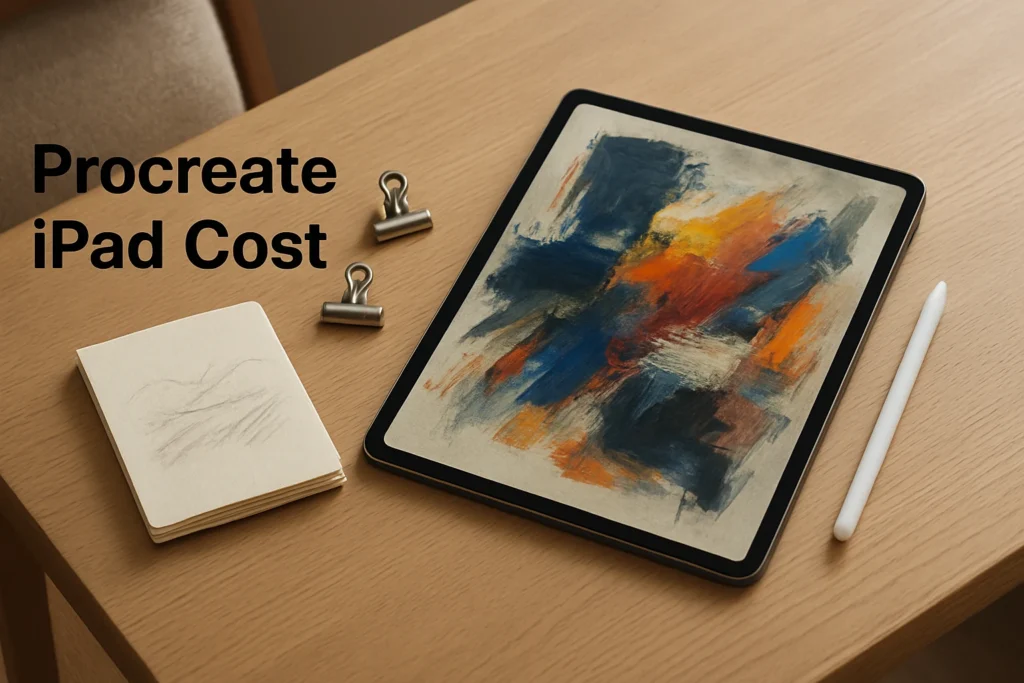
How much is Procreate on iPad? Procreate costs $12.99 through the US Apple App Store as a one-time purchase with no subscription. That price was verified on October 18, 2026. It applies to the core iPad drawing app, which requires a compatible iPad. Taxes may vary by location, and the price can differ in storefronts outside the US.
How much is Procreate and what do you pay for?
The confirmed Procreate price is $12.99 USD for the iPad app. This is an upfront app purchase rather than a monthly or annual subscription, so there is no recurring subscription charge attached to the confirmed offer.
The Procreate app cost covers the core product for drawing, painting, layered illustration, visual development, comics and frame-based animation on iPad. It includes more than 300 brushes, brush customization, layers, groups, masks, selections, transforms and image adjustments. You can work with touch or use an Apple Pencil for pressure-sensitive input.
That purchase is specifically for Procreate on iPad. Procreate Pocket for iPhone and Procreate Dreams for animation are separate products, so the iPad app price should not be interpreted as a bundle covering the vendor’s entire creative range. Likewise, a one-time purchase describes the current billing model; it is not a promise about every future product, feature or commercial term.
Is Procreate free on iPad?
No, the standard Procreate download for iPad is a paid app. If you are asking whether Procreate is free or whether Procreate costs money, the practical answer is to budget for the $12.99 US purchase price.
Do not plan your buying decision around a free trial or free tier. The confirmed offer is the paid one-time purchase, while a free plan or trial is not confirmed. This also means you should check compatibility before paying rather than relying on a trial installation to test your hardware.
What you need before buying Procreate
Core Procreate is made for compatible iPads and distributed through the Apple App Store. Exact working capacity is not identical across every device. Maximum canvas dimensions and available layer counts depend on the iPad model and the requirements of the document, so an older or less capable iPad may provide less room for large canvases and extensive layer stacks.
Use this short pre-purchase check:
- Confirm compatibility. Open the Procreate App Store listing on the iPad you intend to use and confirm that the device can install the app. This is the most useful check because the supported model and operating-system information can change.
- Review your intended canvas demands. Large print artwork, many layers, animation frames and time-lapse recordings can require more hardware and storage capacity than basic sketches.
- Choose an input method. Apple Pencil is not required because Procreate supports touch input. It is valuable when you want pressure-sensitive drawing and painting control.
- Plan separate backups. Procreate continuously autosaves the local canvas, but artwork is stored on the iPad by default. Export important editable projects or maintain a separate iPad backup.
You are ready to buy when the App Store identifies your iPad as compatible, you have sufficient space for the app and project files, and the device offers enough practical canvas capacity for your expected work.
Is the one-time Procreate cost right for your workflow?
The purchase makes the most sense when you already have a compatible iPad and want a pen-and-touch workspace for individual drawing, painting or illustration. Its one-time billing model avoids an ongoing software subscription, but the real decision should be based on device fit and workflow rather than price alone.
Procreate is a practical fit if you need:
- Layer-based drawing with masks, groups, blend modes, selections and transforms
- Customizable brushes and pressure-sensitive Apple Pencil input
- Multi-page comic or storyboard organization through Page Assist
- Frame-based animation, GIF, animatic and video output
- Import and export support for Procreate, PSD, JPEG, PNG, TIFF, GIF, PDF, MP4, HEVC, OBJ and USDZ files
Consider the limitations as well. The core app is tied to iPad, canvas and layer capacity varies by hardware, and local-first storage means you must arrange your own backup process. It is less suitable if you require desktop or browser access, built-in multiuser collaboration or device-independent project storage.
For handoff, retain a native Procreate file when another Procreate user needs the editable project. A compatible PSD is more useful when layered editing must continue elsewhere, while JPEG and PNG are appropriate for finished delivery but do not preserve the complete editable layer structure.
A simple buying decision
First confirm that your iPad is compatible, then compare your typical canvas size and layer needs with the device’s practical capacity. If you want an iPad-centered drawing workflow and are comfortable managing local files and backups, the $12.99 one-time purchase is straightforward. If you need desktop access or built-in team collaboration, the low upfront price does not resolve those workflow limitations.
Explore more technology guides on Techistuff.
Frequently Asked Questions About Procreate on iPad
How much does Procreate cost?
Procreate for iPad was listed at $12.99 in the US Apple App Store as of October 18, 2026. It is a one-time app purchase rather than a recurring subscription. Taxes may vary by location, and storefront prices can differ outside the US.
Is Procreate a one-time purchase?
Yes. The $12.99 US price is for a one-time purchase of the core Procreate iPad app, with no subscription. This does not automatically cover separate products such as Procreate Pocket or Procreate Dreams, nor should it be interpreted as a guarantee about future product terms.
Is Procreate free on iPad?
No, the standard Procreate iPad download is a paid app in the US App Store. The confirmed purchase offer is $12.99, so prospective users should budget for the full upfront price rather than assume that a free plan or trial is available.
Do I need an iPad to use Procreate?
You need a compatible iPad for the core Procreate app. You can draw with touch, so an Apple Pencil is optional, although it adds pressure-sensitive input. Procreate Pocket for iPhone is a separate product and is not included with the iPad purchase.